网页
综合
更新时间 2026-10-29 07:30:00
AI for Designers — Sketch MCP Server · Sketch
Your designswith your AI
Connect any MCP-compatible AI client you like to Sketch. There are no tokens to buy, no extra tiers, and no add-ons.
Works with your favorite AI agent
Switch light mode components for their dark mode counterparts — all without making a single manual swap.
Replace placeholder text across every layer with true-to-life, context-aware content. No more lorem ipsum.
Sort, rename, and align layers automatically. Wrangle icon sets, keep Libraries clean, and bring calm to chaotic files.
Drop in a photo and get a full set of named color variables that complement it. An instant color palette, ready to use in your document.
Point your AI client at a repo to recreate text styles, colors, UI components, and even entire pages inside Sketch.
Take any frame in Sketch and build it out in code with 1:1 visual fidelity.
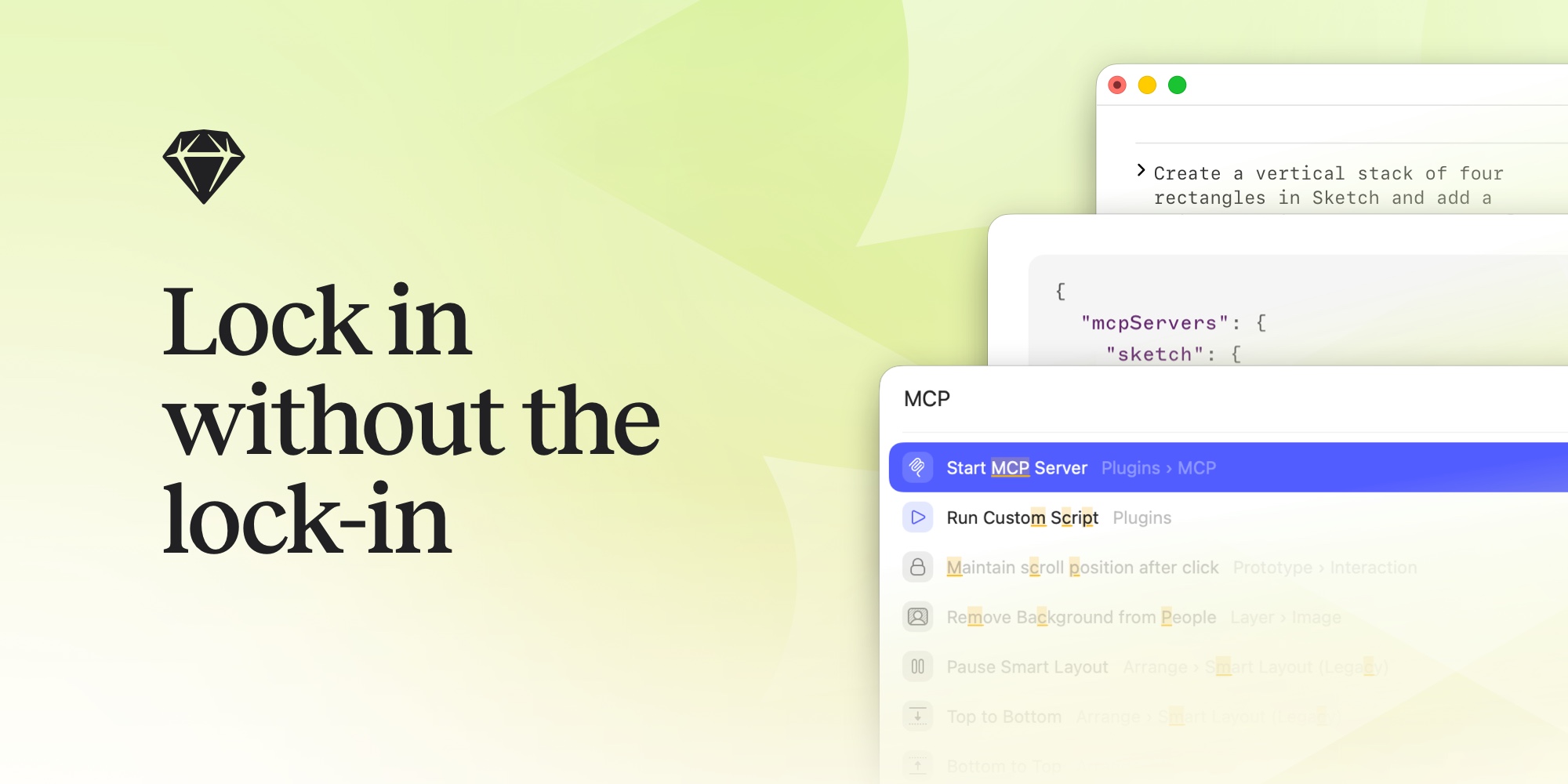
Press ⌘K to open the Command Bar in Sketch, type “MCP”, and hit Start. The server runs locally on your Mac.
Works with Claude Code, Claude Desktop, Codex, VS Code, Cursor, Pi, Antigravity, and any other MCP-compatible client.
Tell your AI client what to do. It writes and runs the code inside Sketch, checks its own work, and iterates until the job’s done.
The MCP server runs locally on your Mac and can’t be accessed remotely. It’s off by default — you decide when to switch it on and what your AI client can see. Prefer to keep everything on-device? MCP-compatible local models work too.
Thanks to newly launched Sketch MCP. I vibe coded/designed the booking system for pet hotel with Elixir/Phoenix and Tidewave. Now, I convert all LiveView pages into a Sketch files and pass it to real UI/UX designer. And, later from Sketch, I can convert it back into LiveView.
11 localizations, 7 screenshots each, took me 30 minutes to update the template. 5 minutes to translate with Codex and Sketch MCP. LFG
Tried out using @sketch MCP server and Claude to automatically translate Psylo’s App Store screenshots. Works pretty well for a first pass but the text layouts will need some work. I’m going to try to have Claude do it too 🤖
I built a new Skill to interact with Sketch. Now I can riff on app designs with vectors, rather than random image generation.
OpenCode + Sketch MCP = App Store screenshot localization done in a few minutes. Absolutely loving this.
honestly there’s a fun feeling in bringing my own stuff to life with @sketch MCP
If you are still doing things manually in @sketch then you are missing out. This is the Sketch MCP creating App Store assets for @Smartplanhq across all supported languages within 5 minutes. The screenshot process is also automated. I will share that later.
Big shoutout to @sketch’s MCP that just saved me hours translating my App Store Screenshots
The only AI feature I need from my design tool is an API and/or an MCP that doesn’t get hamstrung to sell me a higher tier. Sketch nailed it.
By far the most useful MCP I have ever used.
Ok Fable + Sketch MCP is a game changer. When you prototype HTML lofis and want to transfer them to Sketch to do hifi it’s now PERFECT. Like really. MIND. BLOWN!
I am sorry @sketch. Your MCP server works so well with Codex. I went from design to code in a few minutes. It’s amazing.
Just discovered the @sketch mcp and must say it is pretty impressive how it can work both ways: Move HTML to Sketch but also generate HTML from Sketch. That is basically dreamweavers promise come true 20 years later.
Big fan of @sketch since the early days, you guys are the OG! The Mac app feels amazing and I love unlimited local MCP.
From a static mockup in @sketch to working HTML in just two hours. Using Sketch MCP and Sketch Implement Design skill.
Preparing screenshots for the @solarwatch iOS 27 update is a great excuse to add @Sketch MCP support to the ASO screenshot skill based on @adamlyttleapps’s work.
The @sketch mcp stuff is actually useful.
The @sketch MCP is insane.
Everything you need to get started, including step-by-step setup guides for popular AI clients.
Real-world workflows with prompts you can copy, adapt, and build on.
Explore and download agent skills — design-to-code for 1:1 code from your designs, and design-from-reference to build designs from a URL, screenshot or code.
Download Sketch and connect your favorite AI tools in minutes. No add-ons. No extra costs.
Get all the latest news, blog posts and product updates from Sketch, delivered directly to your inbox. We’ll rarely send more than one email a month.
Connect any MCP-compatible AI client you like to Sketch. There are no tokens to buy, no extra tiers, and no add-ons.
Works with your favorite AI agent
Switch light mode components for their dark mode counterparts — all without making a single manual swap.
Replace placeholder text across every layer with true-to-life, context-aware content. No more lorem ipsum.
Sort, rename, and align layers automatically. Wrangle icon sets, keep Libraries clean, and bring calm to chaotic files.
Drop in a photo and get a full set of named color variables that complement it. An instant color palette, ready to use in your document.
Point your AI client at a repo to recreate text styles, colors, UI components, and even entire pages inside Sketch.
Take any frame in Sketch and build it out in code with 1:1 visual fidelity.
Press ⌘K to open the Command Bar in Sketch, type “MCP”, and hit Start. The server runs locally on your Mac.
Works with Claude Code, Claude Desktop, Codex, VS Code, Cursor, Pi, Antigravity, and any other MCP-compatible client.
Tell your AI client what to do. It writes and runs the code inside Sketch, checks its own work, and iterates until the job’s done.
The MCP server runs locally on your Mac and can’t be accessed remotely. It’s off by default — you decide when to switch it on and what your AI client can see. Prefer to keep everything on-device? MCP-compatible local models work too.
Thanks to newly launched Sketch MCP. I vibe coded/designed the booking system for pet hotel with Elixir/Phoenix and Tidewave. Now, I convert all LiveView pages into a Sketch files and pass it to real UI/UX designer. And, later from Sketch, I can convert it back into LiveView.
11 localizations, 7 screenshots each, took me 30 minutes to update the template. 5 minutes to translate with Codex and Sketch MCP. LFG
Tried out using @sketch MCP server and Claude to automatically translate Psylo’s App Store screenshots. Works pretty well for a first pass but the text layouts will need some work. I’m going to try to have Claude do it too 🤖
I built a new Skill to interact with Sketch. Now I can riff on app designs with vectors, rather than random image generation.
OpenCode + Sketch MCP = App Store screenshot localization done in a few minutes. Absolutely loving this.
honestly there’s a fun feeling in bringing my own stuff to life with @sketch MCP
If you are still doing things manually in @sketch then you are missing out. This is the Sketch MCP creating App Store assets for @Smartplanhq across all supported languages within 5 minutes. The screenshot process is also automated. I will share that later.
Big shoutout to @sketch’s MCP that just saved me hours translating my App Store Screenshots
The only AI feature I need from my design tool is an API and/or an MCP that doesn’t get hamstrung to sell me a higher tier. Sketch nailed it.
By far the most useful MCP I have ever used.
Ok Fable + Sketch MCP is a game changer. When you prototype HTML lofis and want to transfer them to Sketch to do hifi it’s now PERFECT. Like really. MIND. BLOWN!
I am sorry @sketch. Your MCP server works so well with Codex. I went from design to code in a few minutes. It’s amazing.
Just discovered the @sketch mcp and must say it is pretty impressive how it can work both ways: Move HTML to Sketch but also generate HTML from Sketch. That is basically dreamweavers promise come true 20 years later.
Big fan of @sketch since the early days, you guys are the OG! The Mac app feels amazing and I love unlimited local MCP.
From a static mockup in @sketch to working HTML in just two hours. Using Sketch MCP and Sketch Implement Design skill.
Preparing screenshots for the @solarwatch iOS 27 update is a great excuse to add @Sketch MCP support to the ASO screenshot skill based on @adamlyttleapps’s work.
The @sketch mcp stuff is actually useful.
The @sketch MCP is insane.
Everything you need to get started, including step-by-step setup guides for popular AI clients.
Real-world workflows with prompts you can copy, adapt, and build on.
Explore and download agent skills — design-to-code for 1:1 code from your designs, and design-from-reference to build designs from a URL, screenshot or code.
Download Sketch and connect your favorite AI tools in minutes. No add-ons. No extra costs.
Get all the latest news, blog posts and product updates from Sketch, delivered directly to your inbox. We’ll rarely send more than one email a month.
本页为82搜索生成的网页快照,内容来自站内索引;演示数据的原文链接仅作示例。