网页
综合
更新时间 2026-10-29 07:30:00
Sketch · Design, prototype, collaborate and handoff
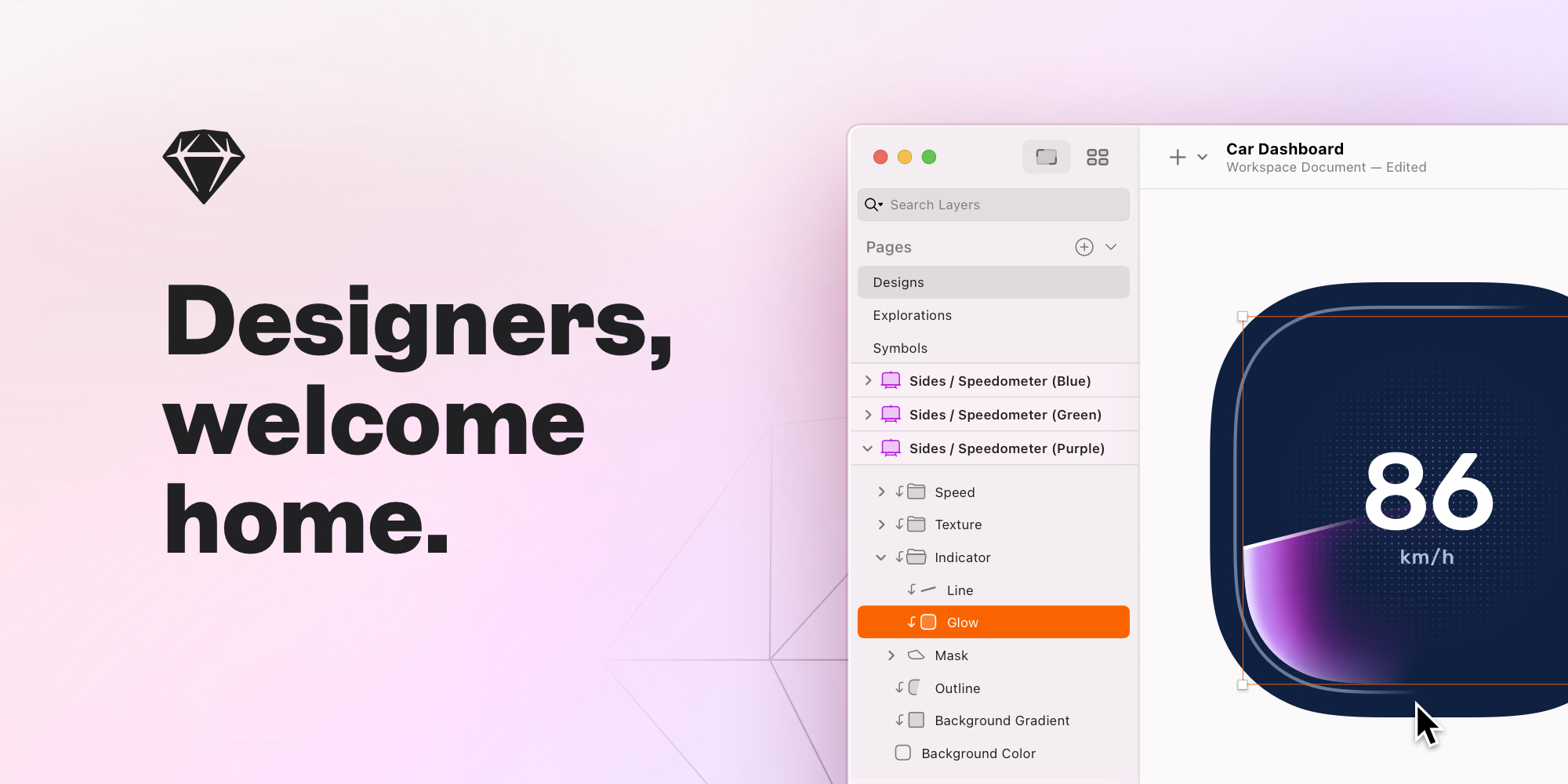
Sketch is a toolkit made by designers, for designers, that puts the focus on you and your work.
Requires macOS Sequoia (15.0.0) or newer
Combine related components with variants, organize your canvas with sections, and more. Try it today
I owe a tremendous debt of gratitude to Sketch. It is easy and wonderful and graceful enough that I can use it easily in my workflow with Ben. Legitimately a really wonderful utility.
The foundational features of Sketch have been indispensable. I also like using it while flying and traveling, and the fact it’s a native app makes designing more enjoyable overall.
Sketch allows me to design with little limitation. The plethora of features it offers and quality of life improvements in recent updates make working with it a delight.
I’ve been a Sketch user since version 1.0. I love the simplicity of Sketch’s UI and its robustness. Making it our own makes designing a pleasure and saves tons of time.
Sketch has been constantly improving since I started using it in 2012. Even though I’m using Sketch every day, it still brings me joy and continues to feel powerful and special.
After years of trying and failing to use Adobe Illustrator […] I finally tried Sketch. And… it just works. Like, works the way a normal human being would expect. I can make changes to stuff without it being a wall of pain.
Focused tools, an intuitive interface, and an infinite Canvas. Zero distractions. We made our macOS editor for you and your ideas. Not for PMs, developers or clients.
Powerful stack layouts and nestable frames save you time, without locking you down.
Create anything from icons to entire apps with a vector editor like no other.
Get started fast with 100s of free templates, Frame presets and component Libraries.
Disconnect and design without compromises. Work locally, without internet, on your terms.
Connect Claude, Cursor or any MCP client to your designs. Keep the creative work for yourself.
Design in private and by yourself. Or co-edit in real-time. The choice is always yours.
Nothing beats trying your ideas out to see if they work. So we made doing that as easy as possible. Create realistic prototypes in no time at all.
Create a working prototype in less than 10 clicks. Seriously. We’ve counted.
Easily add movement to your UI with full control over easing and timings.
Create modals, alerts, panels and menus in moments with Overlays.
It’s not the only way to interact. You can hover, press, drag and swipe here, too.
Create horizontal, vertical, or multi-directional scroll areas — and combine them.
Take your prototypes for a test run on any web browser, iPhone or iPad.
When it’s time to team up, our collaboration tools keep your designs at the heart of the process. Whether you’re pairing with a single developer, or part of a growing team.
Share your entire document, or create a Preview to share specific pages and prototypes with password protection.
Pin comments on designs, reply in threads, then resolve them when you’re done.
Sync up with a shared Workspace for all your team’s files, libraries and drafts.
Inviting guest editors who pay for Sketch already won’t cost you extra.
Point your AI client at a frame and build it out in code, with 1:1 visual fidelity.
Invite developers to inspect files, download assets and export tokens for free.
We’re an independent company making decisions for our customers and ourselves. From privacy to pricing, we’re proud to be taking our own path.
Download Sketch today and join thousands of designers — from freelancers to the Fortune 500.
Get all the latest news, blog posts and product updates from Sketch, delivered directly to your inbox. We’ll rarely send more than one email a month.
Requires macOS Sequoia (15.0.0) or newer
Combine related components with variants, organize your canvas with sections, and more. Try it today
I owe a tremendous debt of gratitude to Sketch. It is easy and wonderful and graceful enough that I can use it easily in my workflow with Ben. Legitimately a really wonderful utility.
The foundational features of Sketch have been indispensable. I also like using it while flying and traveling, and the fact it’s a native app makes designing more enjoyable overall.
Sketch allows me to design with little limitation. The plethora of features it offers and quality of life improvements in recent updates make working with it a delight.
I’ve been a Sketch user since version 1.0. I love the simplicity of Sketch’s UI and its robustness. Making it our own makes designing a pleasure and saves tons of time.
Sketch has been constantly improving since I started using it in 2012. Even though I’m using Sketch every day, it still brings me joy and continues to feel powerful and special.
After years of trying and failing to use Adobe Illustrator […] I finally tried Sketch. And… it just works. Like, works the way a normal human being would expect. I can make changes to stuff without it being a wall of pain.
Focused tools, an intuitive interface, and an infinite Canvas. Zero distractions. We made our macOS editor for you and your ideas. Not for PMs, developers or clients.
Powerful stack layouts and nestable frames save you time, without locking you down.
Create anything from icons to entire apps with a vector editor like no other.
Get started fast with 100s of free templates, Frame presets and component Libraries.
Disconnect and design without compromises. Work locally, without internet, on your terms.
Connect Claude, Cursor or any MCP client to your designs. Keep the creative work for yourself.
Design in private and by yourself. Or co-edit in real-time. The choice is always yours.
Nothing beats trying your ideas out to see if they work. So we made doing that as easy as possible. Create realistic prototypes in no time at all.
Create a working prototype in less than 10 clicks. Seriously. We’ve counted.
Easily add movement to your UI with full control over easing and timings.
Create modals, alerts, panels and menus in moments with Overlays.
It’s not the only way to interact. You can hover, press, drag and swipe here, too.
Create horizontal, vertical, or multi-directional scroll areas — and combine them.
Take your prototypes for a test run on any web browser, iPhone or iPad.
When it’s time to team up, our collaboration tools keep your designs at the heart of the process. Whether you’re pairing with a single developer, or part of a growing team.
Share your entire document, or create a Preview to share specific pages and prototypes with password protection.
Pin comments on designs, reply in threads, then resolve them when you’re done.
Sync up with a shared Workspace for all your team’s files, libraries and drafts.
Inviting guest editors who pay for Sketch already won’t cost you extra.
Point your AI client at a frame and build it out in code, with 1:1 visual fidelity.
Invite developers to inspect files, download assets and export tokens for free.
We’re an independent company making decisions for our customers and ourselves. From privacy to pricing, we’re proud to be taking our own path.
Download Sketch today and join thousands of designers — from freelancers to the Fortune 500.
Get all the latest news, blog posts and product updates from Sketch, delivered directly to your inbox. We’ll rarely send more than one email a month.
本页为82搜索生成的网页快照,内容来自站内索引;演示数据的原文链接仅作示例。