网页
综合
更新时间 2019-03-27 13:54:05
Breaking CSS Custom Properties out of :root Might Be a Good Idea | CSS-Tricks
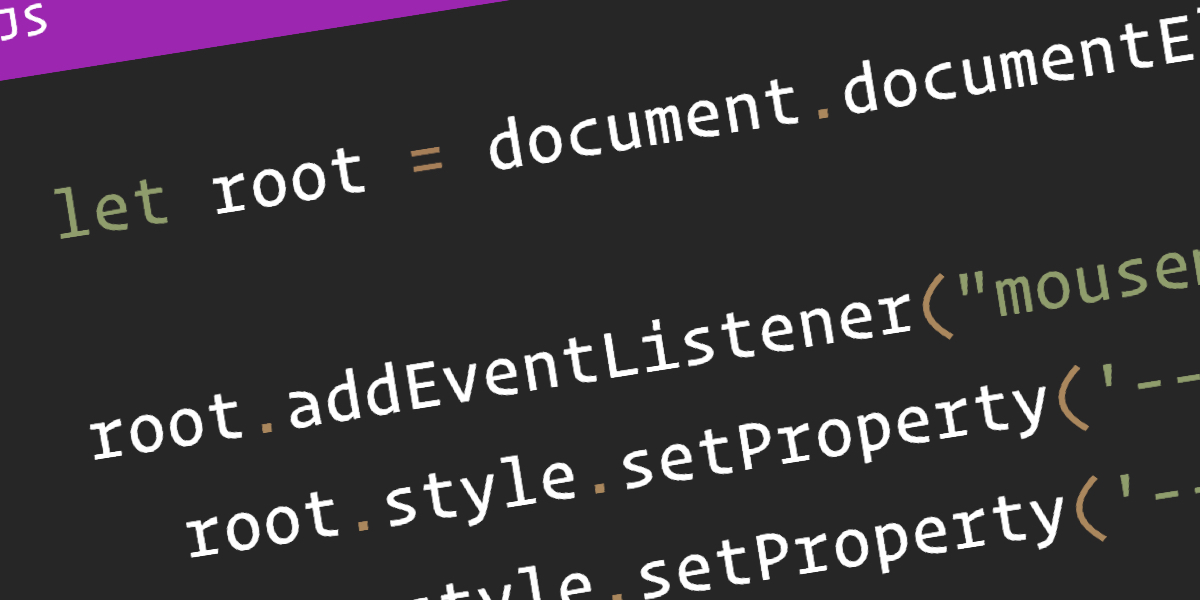
CSS Custom Properties have been a hot topic for a while now, with tons of great articles about them, from great primers on how they work to creative tutorials to do some real magic with them. If you’ve read more than one or two articles on the topic, then I’m sure you’ve noticed that they start by setting up the custom properties on the :root about 99% of the time.
While putting custom properties on the :root is great for things that you need to be available throughout your site, there are times when it makes more sense to scope your custom properties locally.
In this article, we’ll be exploring:
Before we jump into looking at the global scope, I think it’s worth looking at why everyone sets custom properties in the :root to begin with.
I’ve been declaring custom properties on the :root without even a second thought. Pretty much everyone does it without even a mention of why — including the official specification.
When the subject of :root is actually breached, it mentions how :root is the same as html, but with higher specificity, and that’s about it.
But does that higher specificity really matter?
Not really. All it does is select html with a higher specificity, the same way a class selector has higher specificity than an element selector when selecting a div.
The main reason that :root is suggested is because CSS isn’t only used to style HTML documents. It is also used for XML and SVG files.
In the case of XML and SVG files, :root isn’t selecting the html element, but rather their root (such as the svg tag in an SVG file).
Because of this, the best practice for a globally-scoped custom property is the :root. But if you’re making a website, you can throw it on an html selector and not notice a difference.
That said, with everyone using :root, it has quickly become a “standard.” It also helps separate variables to be used later on from selectors which are actively styling the document.
With CSS pre-processors, like Sass and Less, most of us keep variables tucked away in a partial dedicated to them. That works great, so why should we consider locally scoping variables all of a sudden?
One reason is that some people might find themselves doing something like this.
Sure, this gives us one place where we can manage styling with custom properties. But, why do we need to define my --header-color or --header-shadow in my :root? These aren’t global properties, I’m clearly using them in my header and no where else.
If it’s not a global property, why define it globally? That’s where local scoping comes into play.
Let’s say we have a list to style, but our site is using an icon system — let’s say Font Awesome for simplicity’s sake. We don’t want to use the disc for our ul bullets — we want a custom icon!
If I want to switch out the bullets of an unordered list for Font Awesome icons, we can do something like this:
While that’s super easy to do, one of the problems is that the icon becomes abstract. Unless we use Font Awesome a lot, we aren’t going to know that f14a means, let alone be able to identify it as a checkbox icon. It’s semantically meaningless.
We can help clarify things with a custom property here.
This becomes a lot more practical once we start having a few different icons in play. Let’s up the complexity and say we have three different lists:
Then, in our CSS, we can create the custom properties for our different icons:
The real power of having locally scoped custom properties comes when we want to actually apply the icons.
We can set content: var(--icon) on our list items:
Then we can define that icon for each one of our lists with more meaningful naming:
We can step this up a notch by adding colors to the mix:
If we’re working with an icon system, like Font Awesome, then I’m going to assume that we’d be using them for more than just replacing the bullets in unordered lists. As long as we’re using them in more than one place it makes sense to move the icons to the :root as we want them to be available globally.
Having icons in the :root doesn’t mean we can’t still take advantage of locally scoped custom properties, though!
We could either put in a default icon by setting it as the fallback (e.g. var(--icon, "/f1cb")), or, since we’re using the content property, we could even put in an error message var(--icon, "no icon set").
See the Pen Custom list icons with CSS Custom Properties by Kevin (@kevinpowell) on CodePen.
By locally scoping the --icon and the --icon-color variables, we’ve greatly increased the readability of our code. If someone new were to come into the project, it will be a whole lot easier for them to know how it works.
This isn’t limited to Font Awesome, of course. Locally scoping custom properties also works great for an SVG icon system:
While the example we just looked at works well to increase the readability of our code — which is awesome — we can do a lot more with locally scoped properties.
Some people love CSS as it is; others hate working with the global scope of the cascade. I’m not here to discuss CSS-in-JS (there are enough really smart people already talking about that), but locally scoped custom properties offer us a fantastic middle ground.
By taking advantage of locally scoped custom properties, we can create very modular code that takes a lot of the pain out of trying to come up with meaningful class names.
Let’s um, scope the scenario.
Part of the reason people get frustrated with CSS is that the following markup can cause problems when we want to style something.
If I create a style for the .title class, it will style both the elements containing the .card and .cta classes at the same time. We can use a compound selector (i.e. .card .title), but that raises the specificity which can lead to less maintainability. Or, we can take a BEM approach and rename our .title class to .card__title and .cta__title to isolate those elements a little more.
Locally scoped custom properties offer us a great solution though. We can apply them to the elements where the
While putting custom properties on the :root is great for things that you need to be available throughout your site, there are times when it makes more sense to scope your custom properties locally.
In this article, we’ll be exploring:
Before we jump into looking at the global scope, I think it’s worth looking at why everyone sets custom properties in the :root to begin with.
I’ve been declaring custom properties on the :root without even a second thought. Pretty much everyone does it without even a mention of why — including the official specification.
When the subject of :root is actually breached, it mentions how :root is the same as html, but with higher specificity, and that’s about it.
But does that higher specificity really matter?
Not really. All it does is select html with a higher specificity, the same way a class selector has higher specificity than an element selector when selecting a div.
The main reason that :root is suggested is because CSS isn’t only used to style HTML documents. It is also used for XML and SVG files.
In the case of XML and SVG files, :root isn’t selecting the html element, but rather their root (such as the svg tag in an SVG file).
Because of this, the best practice for a globally-scoped custom property is the :root. But if you’re making a website, you can throw it on an html selector and not notice a difference.
That said, with everyone using :root, it has quickly become a “standard.” It also helps separate variables to be used later on from selectors which are actively styling the document.
With CSS pre-processors, like Sass and Less, most of us keep variables tucked away in a partial dedicated to them. That works great, so why should we consider locally scoping variables all of a sudden?
One reason is that some people might find themselves doing something like this.
Sure, this gives us one place where we can manage styling with custom properties. But, why do we need to define my --header-color or --header-shadow in my :root? These aren’t global properties, I’m clearly using them in my header and no where else.
If it’s not a global property, why define it globally? That’s where local scoping comes into play.
Let’s say we have a list to style, but our site is using an icon system — let’s say Font Awesome for simplicity’s sake. We don’t want to use the disc for our ul bullets — we want a custom icon!
If I want to switch out the bullets of an unordered list for Font Awesome icons, we can do something like this:
While that’s super easy to do, one of the problems is that the icon becomes abstract. Unless we use Font Awesome a lot, we aren’t going to know that f14a means, let alone be able to identify it as a checkbox icon. It’s semantically meaningless.
We can help clarify things with a custom property here.
This becomes a lot more practical once we start having a few different icons in play. Let’s up the complexity and say we have three different lists:
Then, in our CSS, we can create the custom properties for our different icons:
The real power of having locally scoped custom properties comes when we want to actually apply the icons.
We can set content: var(--icon) on our list items:
Then we can define that icon for each one of our lists with more meaningful naming:
We can step this up a notch by adding colors to the mix:
If we’re working with an icon system, like Font Awesome, then I’m going to assume that we’d be using them for more than just replacing the bullets in unordered lists. As long as we’re using them in more than one place it makes sense to move the icons to the :root as we want them to be available globally.
Having icons in the :root doesn’t mean we can’t still take advantage of locally scoped custom properties, though!
We could either put in a default icon by setting it as the fallback (e.g. var(--icon, "/f1cb")), or, since we’re using the content property, we could even put in an error message var(--icon, "no icon set").
See the Pen Custom list icons with CSS Custom Properties by Kevin (@kevinpowell) on CodePen.
By locally scoping the --icon and the --icon-color variables, we’ve greatly increased the readability of our code. If someone new were to come into the project, it will be a whole lot easier for them to know how it works.
This isn’t limited to Font Awesome, of course. Locally scoping custom properties also works great for an SVG icon system:
While the example we just looked at works well to increase the readability of our code — which is awesome — we can do a lot more with locally scoped properties.
Some people love CSS as it is; others hate working with the global scope of the cascade. I’m not here to discuss CSS-in-JS (there are enough really smart people already talking about that), but locally scoped custom properties offer us a fantastic middle ground.
By taking advantage of locally scoped custom properties, we can create very modular code that takes a lot of the pain out of trying to come up with meaningful class names.
Let’s um, scope the scenario.
Part of the reason people get frustrated with CSS is that the following markup can cause problems when we want to style something.
If I create a style for the .title class, it will style both the elements containing the .card and .cta classes at the same time. We can use a compound selector (i.e. .card .title), but that raises the specificity which can lead to less maintainability. Or, we can take a BEM approach and rename our .title class to .card__title and .cta__title to isolate those elements a little more.
Locally scoped custom properties offer us a great solution though. We can apply them to the elements where the
本页为82搜索生成的网页快照,内容来自站内索引;演示数据的原文链接仅作示例。