网页
综合
更新时间 2026-06-09 10:00:00
Meet Nuxi · Nuxt Blog
Announcements·Jun 9, 2026·4 min read
Today, we're announcing the new Nuxt Agent: Nuxi. We want to make your Nuxt experience less generic and more personalized, with the care that characterizes the Nuxt community.
Back in April, we shipped AI-powered chat on nuxt.com in beta. It was full-featured. It knew the docs, searched issues, and even had custom components for modules and templates.
It was a great showcase of how to build chat UI on Nuxt.
But chat-based interfaces are everywhere, and we wanted Nuxt to feel different. We wanted to find an identity for the Nuxt agent, matching the Nuxt brand. And we wanted it to become much more part of your experience on nuxt.com.
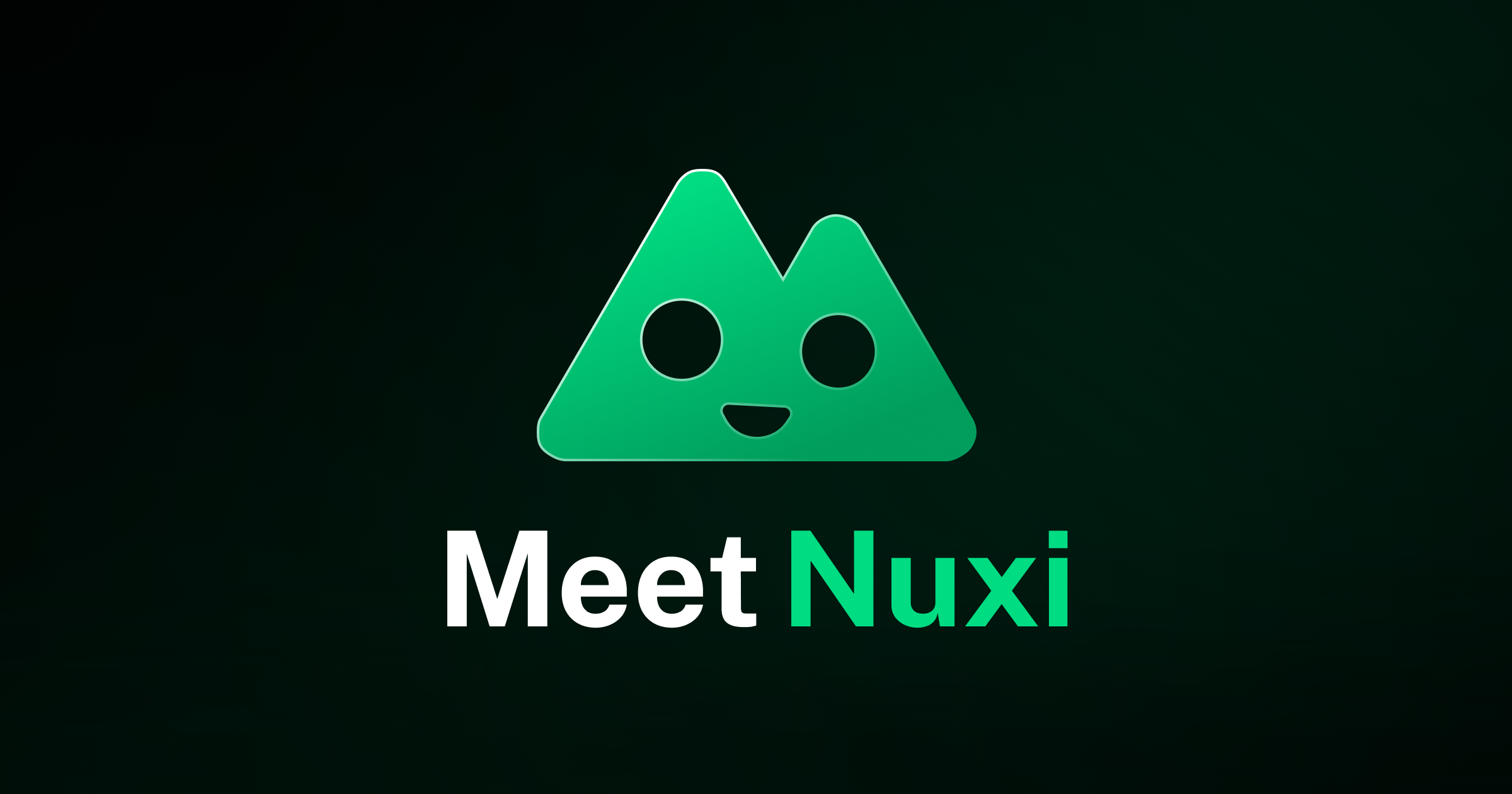
So, today, we're announcing Nuxi, your Nuxt companion.
Our aim with Nuxi is to improve your developer experience and communicate something of the friendliness and care that characterizes the Nuxt community.
We want it to feel just like Nuxt.
That's why we picked the name Nuxi. For a while, it was the command you ran to start a Nuxt dev server (nuxi dev). Now, we use nuxt dev, but Nuxi has always held a place in our hearts, and we feel it's right to bring it back.
Playful. We want Nuxi to feel fun. It should react to where you are, what you do, and it has a few things built in that we'd rather you find on your own. Start with typing hi.
Context-aware. When you chat to Nuxi, it will know the page you're on. We don't want you to have to explain yourself unnecessarily. Ask "how do I use this in my app?" while reading a doc and it should already knows what this refers to.
Grounded. There are a lot of sources for Nuxt documentation. Nuxi uses the Nuxt MCP server under the hood to find answers from whatever is most relevant, whether that's official Nuxt docs, the modules catalog, templates or changelogs. If it's helping you resolve an error, Nuxi will even search issues across nuxt, nuxt-modules, and nuxt-content before forming an opinion.
Built to grow. Nuxi isn't a one-shot Q&A widget. We've built in lots of rich components. It renders modules, templates, hosting providers, and blog posts as cards you can click, spins up a StackBlitz playground straight from the conversation, and opens a feedback form if something feels off. If you have any ideas for improving it, adding new functionality is just a PR away.
This is the biggest batch of changes since the April beta. Our focus is making nuxt.com less generic and more personalized.
You can now sign in to nuxt.com with GitHub. Once you do, your conversations are saved automatically. For example, you can open a chat from your phone and finish it on your laptop.
Conversations aren't always linear. If you need to explore a tangent, try a different approach, or compare two approaches, you can fork the chat. From any of Nuxi's answers, hit Branch in new chat; everything up to that point is copied into a fresh thread, leaving the original untouched.
Conversations are private by default. But if you want, you can mark your chat public and share it with a link. Anyone can read it, but nobody else can post in it, and you can switch it back to private whenever you want.
Nuxt is a community, and we want everything we build to be useful for all of us. Please feel free to share your feedback on Nuxi, or any of the new features we're rolling out.
Over the next few months, we have more exciting plans for nuxt.com, and we'd love your thoughts as we build.
Stay updated on new releases and features, guides, and community updates.
Copyright © 2016-2026 Nuxt - MIT License
本页为82搜索生成的网页快照,内容来自站内索引;演示数据的原文链接仅作示例。