网页
综合
更新时间 2026-10-29 07:30:00
Dublin (2026.1) · Sketch
Discover the latest features in Sketch
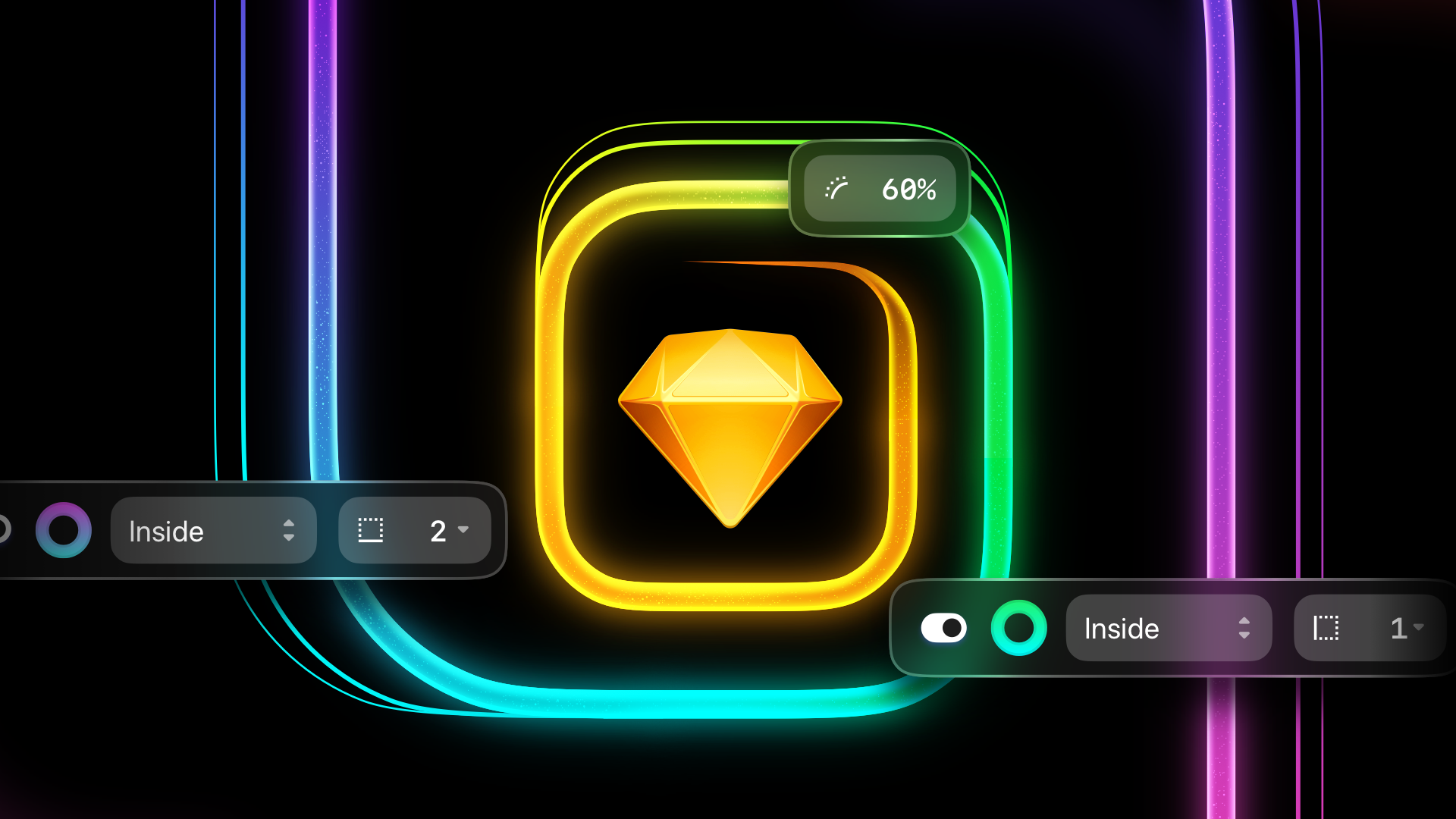
For our first major Mac update of 2026, we’re ticking off a list of long-standing feature requests — from selection colors and independent borders, to corner smoothing controls and an all-new eyedropper tool with color variable support.
Along with the new features in this update — which we’re calling Dublin — there are over 150 improvements and fixes across all corners of the app.
With selection colors, you can quickly adjust colors wherever they appear in your selection. You’ll see these in a new Inspector section when you select multiple layers or containers with different fills, borders, text colors, and tints.
Adjusting a selection color updates any layer that uses it. Hovering a selection color highlights layers that use it on the Canvas. Clicking the chevron next to a color narrows your selection to just those layers.
By default, we sort selection colors by frequency and separate opacities, but you also can sort by color, and combine opacities. Adjusting colors with combined opacities will preserve their original opacities, while scrubbing the opacity field adjusts those opacities relatively.
If your selection contains both Symbols and non-Symbol layers, we’ll show overrides and selection colors together in the Inspector. If you override a color, hold ⌥ to reveal an option to reset overrides next to that color.
Docs: Selection colors
You can now set borders independently for each side of a rectangle, frame, or graphic. For each border, you can control all sides equally (the default), choose a single specific, or choose Custom to set different widths for each side.
There’s also a new option to center dashed borders so their dashes fall neatly on corners. Advanced border settings — ends, joins, and dash — now apply to text layers too.
The new corner settings panel in the Inspector gives you precise control over how smooth your rounded corners should be. You’ll also see much better results when you smooth out squircles, capsules, and corners greater than 90º.
There’s a new “Max” option for corners that makes sure they remain at their most rounded, regardless of size — great for pills and capsules. You’ll find it in the Inspector, the Layer menu, the Command Bar, or by double-clicking a corner handle.
Also, you can now round the corners on combined shapes with boolean operations.
You can now use the eyedropper tool to select and apply Color Variables. When the eyedropper’s loupe is above a Color Variable, you’ll see its name in a new label. Hold ⇧ to select/apply it instead of the color’s hex value.
You can grab Color Variables from solid fills and borders, gradient fills and borders (based on the nearest gradient stop), text layers, and tints.
The new loupe is compact by default, giving you more context when picking. Scroll on a mouse or trackpad (or pinch) to resize it — we’ll remember your preference. Right/Control-click to reset it.
Docs: Color variables
There’s a lot more to this release and you’ll find every improvement and fix below. If you’re short on time, here are some highlights:
Requires macOS Sonoma (14.0.0) or newer
Get all the latest news, blog posts and product updates from Sketch, delivered directly to your inbox. We’ll rarely send more than one email a month.
For our first major Mac update of 2026, we’re ticking off a list of long-standing feature requests — from selection colors and independent borders, to corner smoothing controls and an all-new eyedropper tool with color variable support.
Along with the new features in this update — which we’re calling Dublin — there are over 150 improvements and fixes across all corners of the app.
With selection colors, you can quickly adjust colors wherever they appear in your selection. You’ll see these in a new Inspector section when you select multiple layers or containers with different fills, borders, text colors, and tints.
Adjusting a selection color updates any layer that uses it. Hovering a selection color highlights layers that use it on the Canvas. Clicking the chevron next to a color narrows your selection to just those layers.
By default, we sort selection colors by frequency and separate opacities, but you also can sort by color, and combine opacities. Adjusting colors with combined opacities will preserve their original opacities, while scrubbing the opacity field adjusts those opacities relatively.
If your selection contains both Symbols and non-Symbol layers, we’ll show overrides and selection colors together in the Inspector. If you override a color, hold ⌥ to reveal an option to reset overrides next to that color.
Docs: Selection colors
You can now set borders independently for each side of a rectangle, frame, or graphic. For each border, you can control all sides equally (the default), choose a single specific, or choose Custom to set different widths for each side.
There’s also a new option to center dashed borders so their dashes fall neatly on corners. Advanced border settings — ends, joins, and dash — now apply to text layers too.
The new corner settings panel in the Inspector gives you precise control over how smooth your rounded corners should be. You’ll also see much better results when you smooth out squircles, capsules, and corners greater than 90º.
There’s a new “Max” option for corners that makes sure they remain at their most rounded, regardless of size — great for pills and capsules. You’ll find it in the Inspector, the Layer menu, the Command Bar, or by double-clicking a corner handle.
Also, you can now round the corners on combined shapes with boolean operations.
You can now use the eyedropper tool to select and apply Color Variables. When the eyedropper’s loupe is above a Color Variable, you’ll see its name in a new label. Hold ⇧ to select/apply it instead of the color’s hex value.
You can grab Color Variables from solid fills and borders, gradient fills and borders (based on the nearest gradient stop), text layers, and tints.
The new loupe is compact by default, giving you more context when picking. Scroll on a mouse or trackpad (or pinch) to resize it — we’ll remember your preference. Right/Control-click to reset it.
Docs: Color variables
There’s a lot more to this release and you’ll find every improvement and fix below. If you’re short on time, here are some highlights:
Requires macOS Sonoma (14.0.0) or newer
Get all the latest news, blog posts and product updates from Sketch, delivered directly to your inbox. We’ll rarely send more than one email a month.
本页为82搜索生成的网页快照,内容来自站内索引;演示数据的原文链接仅作示例。