网页
综合
更新时间 2026-11-15 00:39:31
A Book Apart, Ebook Instructions
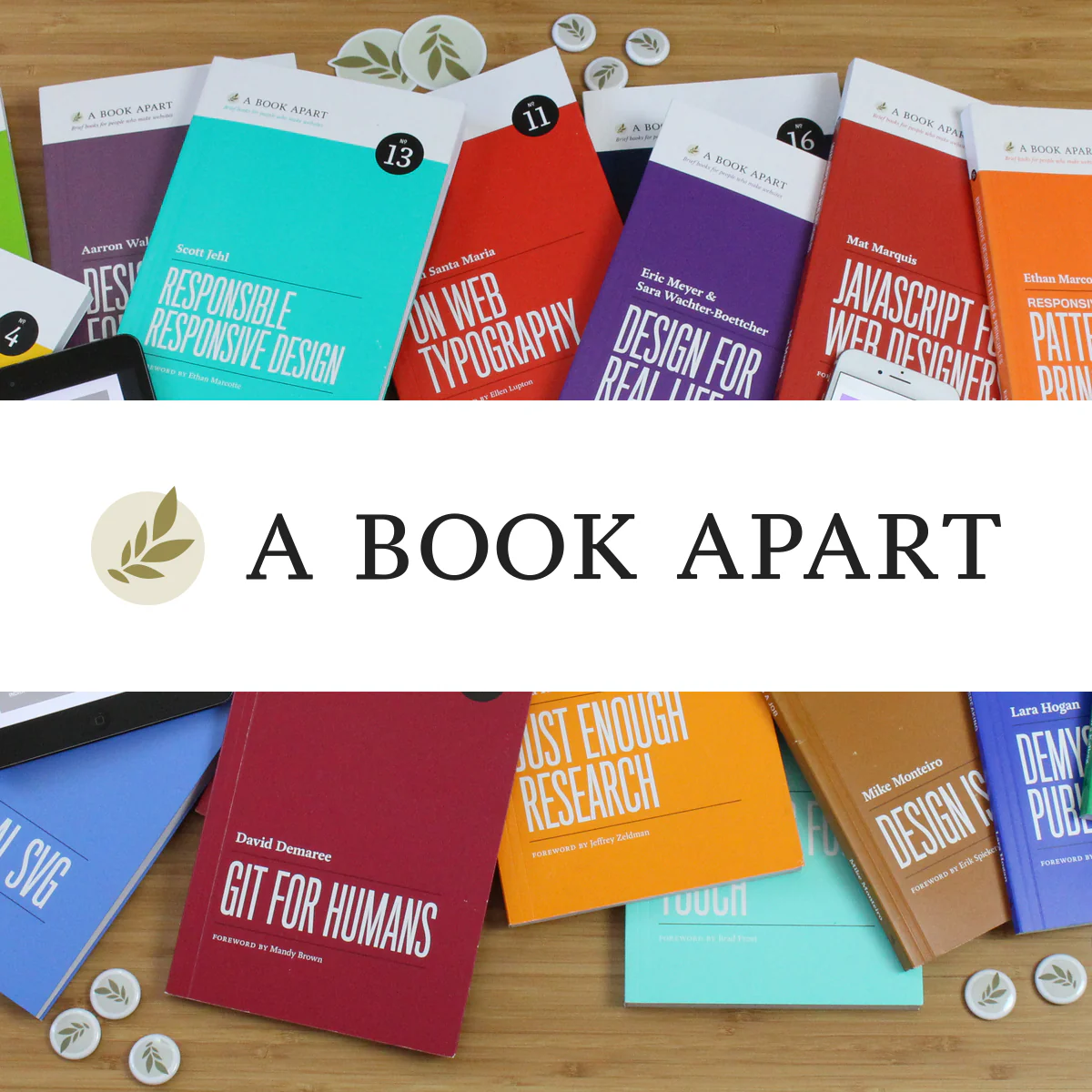
A Book Apart ebooks are available in two formats: EPUB and PDF.
EPUB is the industry standard and is supported by most touch devices (like Apple and Android devices) and apps.
PDF can be read using Adobe Acrobat or Preview (Mac OS), as well as many other devices and apps.
As of 2022, MOBI is no longer supported by Amazon’s Kindle and Kindle apps. If you have MOBI files already saved in your Kindle app or device, there is no need to take any action—the files should be preserved and supported.
Some books include a video EPUB version, which only works on Apple devices. The video EPUB is identical to the standard EPUB, with one exception: it features video demonstrations in place of static screenshots, when applicable.
After completing your order, you’ll receive two emails from us: an order confirmation, and one with a link to your ebook downloads. Click the Download button, and you’ll access an order page with all the ebook files for the books you purchased.
Drag the EPUB file (with or without video) into iTunes and sync your device. If you’re reading on a Mac, use the Apple Books desktop app to open and read the EPUB file.
Attach the EPUB file to a new email message and send it to your Kindle’s email address (find your Kindle’s address) or use the Send to Kindle service.
Upload your ebook to your books in Google Play, then open the the Google Play Books app on your device to start reading.
Upload your ebooks to your Dropbox account and locate them on your device, choose the export option, and open the file with your preferred reading app.
If you’re using iCloud Sync, Apple Books will sync any ebooks you add to all your devices. Be sure to select Apple Books under the iCloud sync options on your devices.
Having trouble getting ebooks to work? Email us at support@abookapart.com and we’ll help.
By signing up, you agree to our Terms of Use.
© Copyright , A Book Apart, LLC Privacy Policy
EPUB is the industry standard and is supported by most touch devices (like Apple and Android devices) and apps.
PDF can be read using Adobe Acrobat or Preview (Mac OS), as well as many other devices and apps.
As of 2022, MOBI is no longer supported by Amazon’s Kindle and Kindle apps. If you have MOBI files already saved in your Kindle app or device, there is no need to take any action—the files should be preserved and supported.
Some books include a video EPUB version, which only works on Apple devices. The video EPUB is identical to the standard EPUB, with one exception: it features video demonstrations in place of static screenshots, when applicable.
After completing your order, you’ll receive two emails from us: an order confirmation, and one with a link to your ebook downloads. Click the Download button, and you’ll access an order page with all the ebook files for the books you purchased.
Drag the EPUB file (with or without video) into iTunes and sync your device. If you’re reading on a Mac, use the Apple Books desktop app to open and read the EPUB file.
Attach the EPUB file to a new email message and send it to your Kindle’s email address (find your Kindle’s address) or use the Send to Kindle service.
Upload your ebook to your books in Google Play, then open the the Google Play Books app on your device to start reading.
Upload your ebooks to your Dropbox account and locate them on your device, choose the export option, and open the file with your preferred reading app.
If you’re using iCloud Sync, Apple Books will sync any ebooks you add to all your devices. Be sure to select Apple Books under the iCloud sync options on your devices.
Having trouble getting ebooks to work? Email us at support@abookapart.com and we’ll help.
By signing up, you agree to our Terms of Use.
© Copyright , A Book Apart, LLC Privacy Policy
本页为82搜索生成的网页快照,内容来自站内索引;演示数据的原文链接仅作示例。