网页
综合
更新时间 2025-11-13 10:00:00
Building an MCP Server for Nuxt · Nuxt Blog
Engineering·Nov 13, 2025·9 min read
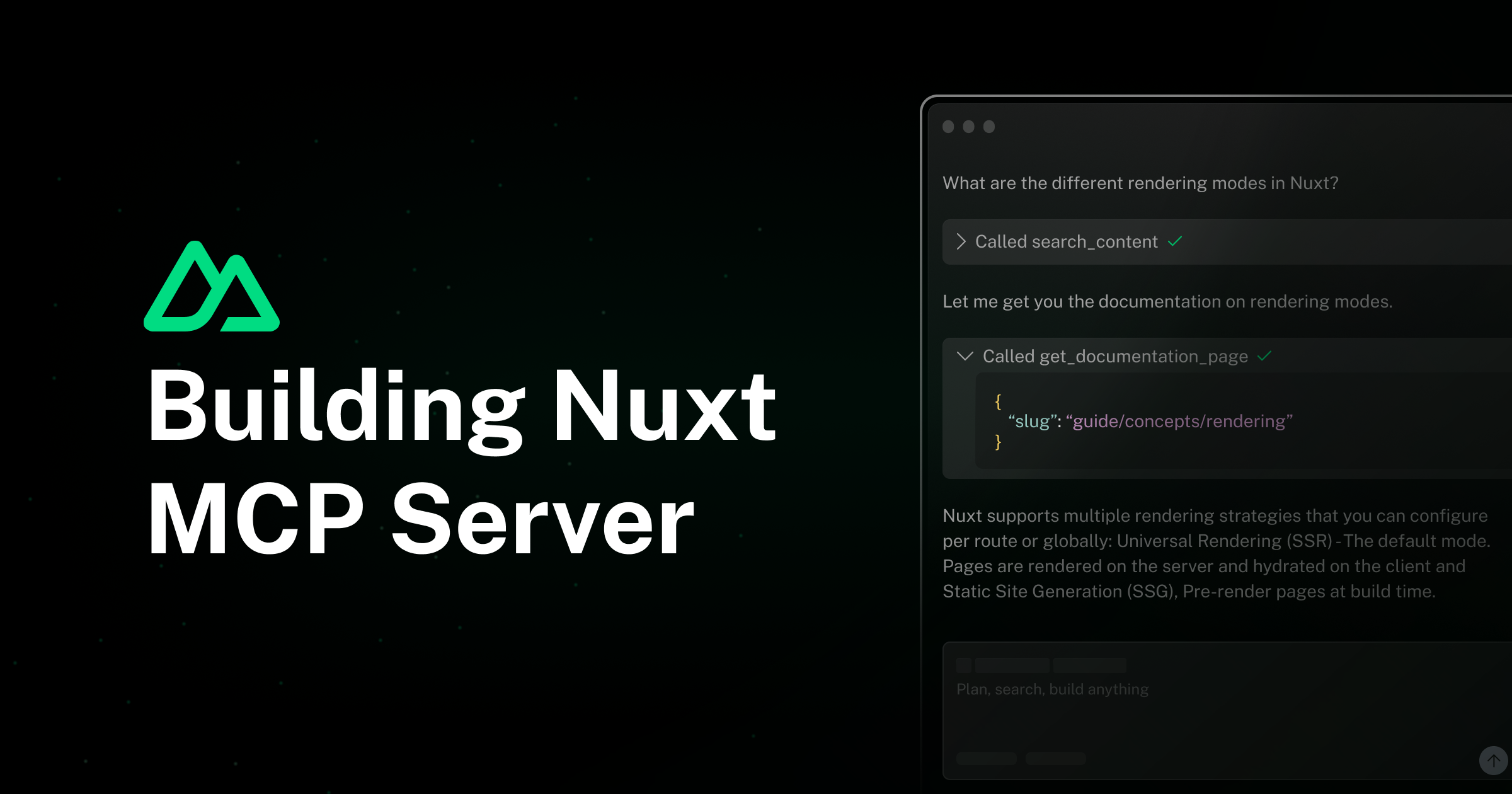
How we built the Nuxt MCP server to enable AI assistants to access our documentation through structured data and composable tools.
AI assistants are becoming an increasingly important part of the developer experience. To help them provide accurate, up-to-date information about Nuxt, we built an MCP server that exposes our documentation, blog posts, and deployment guides in a structured way. Here's how we did it with the Nuxt MCP Toolkit, and how you can build your own.
The Model Context Protocol (MCP) is an open standard that enables AI assistants to securely access data and tools. Think of it as an API specifically designed for AI assistants: rather than returning HTML or generic JSON, it provides structured, semantic data that LLMs can easily understand and use.
MCP defines three main primitives:
We've observed that AI assistants using MCP servers provide significantly better responses than traditional RAG (Retrieval-Augmented Generation) approaches:
Both Nuxt and Nuxt UI now have MCP servers with similar architectures, making it easier for AI assistants to help developers with these frameworks.
Our MCP server is built directly into nuxt.com using the Nuxt MCP Toolkit module. The module provides automatic discovery of tools, resources, and prompts from your server directory:
The architecture is straightforward: you define your tools, resources, and prompts as individual files, and the module automatically registers them and exposes an HTTP endpoint for MCP clients to connect. No manual server setup, no transport configuration, just create files in the right directories and they're ready to use. Subdirectories like tools/docs/ are optional and only help you organize files: the tool name still comes from the filename.
Getting started is as simple as adding the module to your Nuxt config:
That's it. The module will automatically scan your server/mcp/ directory and register everything it finds.
Tools enable language models to interact with external systems by accepting parameters and performing operations. Here's a simplified version of our list_documentation_pages tool:
Notice a few key things:
The live tool does more: it also covers Nuxt 5, can search every version at once, includes CLI and example pages, and only returns descriptions when a search term is given, to keep responses small.
The tool name is automatically derived from the filename (list-documentation-pages.ts becomes list_documentation_pages).
Resources allow servers to share data that provides context to language models, such as files, database schemas, or application-specific information. Each resource is uniquely identified by a URI.
The simplest way to expose a file is using the file property, which automatically handles URI generation, MIME type detection, and file reading:
For dynamic resources, you can use a custom handler:
Unlike tools, which are model-controlled, resources are application-driven, the host application determines how to incorporate them based on user needs, such as through UI elements for explicit selection or automatic context inclusion.
Prompts are reusable templates with arguments that users can invoke. They return a conversation format that guides the AI through specific workflows:
Prompts differ from tools in that they are user-invoked and return conversation messages, while tools are model-controlled and return structured data.
The module provides several auto-imported helpers to simplify common patterns:
To use Nuxt server utilities like useEvent() in your handlers, enable asyncContext in your Nuxt config:
Then you can access the H3 event and use Nuxt server composables like queryCollection from Nuxt Content.
Ready to build an MCP server for your own application? With the Nuxt MCP Toolkit, it takes just a few minutes.
Or install it manually along with Zod, which the module uses for input validation:
Add basic configuration to your Nuxt config:
Create a file in server/mcp/tools/:
That's it! Your MCP server is now accessible at https://your-domain.com/mcp.
You can also add resources and prompts following the same pattern:
For more advanced configuration options, check out the Nuxt MCP Toolkit documentation.
Ready to experience the power of MCP with Nuxt? Our server is already live at https://nuxt.com/mcp. It gives AI assistants access to the Nuxt documentation (v3, v4 and v5), blog posts, the changelog, deployment providers, modules, and Nuxt contributors.
The easiest way to get started is with Cursor's one-click installation:
The Nuxt MCP server works with Claude Desktop, Windsurf, Visual Studio Code, ChatGPT, and many other MCP-compatible AI assistants. For complete setup instructions for all platforms, check out our MCP documentation.
Every tool an assistant can see takes up room in its context. If you only need part of the server, send an X-MCP-Tools header with a comma-separated list of tool names, and the server will only expose those tools:
The server rejects unknown tool names, so a typo fails loudly instead of silently hiding a tool. The MCP documentation lists every available tool.
This header is a feature of the Nuxt MCP Toolkit, so any server built with the module supports it too.
We encourage you to build MCP servers for your own applications. Whether it's documentation, API references, or domain-specific knowledge, MCP makes it easy for AI assistants to provide accurate, helpful information to your users.
The complete source code for our MCP server is available on GitHub in the server/mcp/ directory. Feel free to use it as inspiration for your own implementation!
Stay updated on new releases and features, guides, and community updates.
本页为82搜索生成的网页快照,内容来自站内索引;演示数据的原文链接仅作示例。